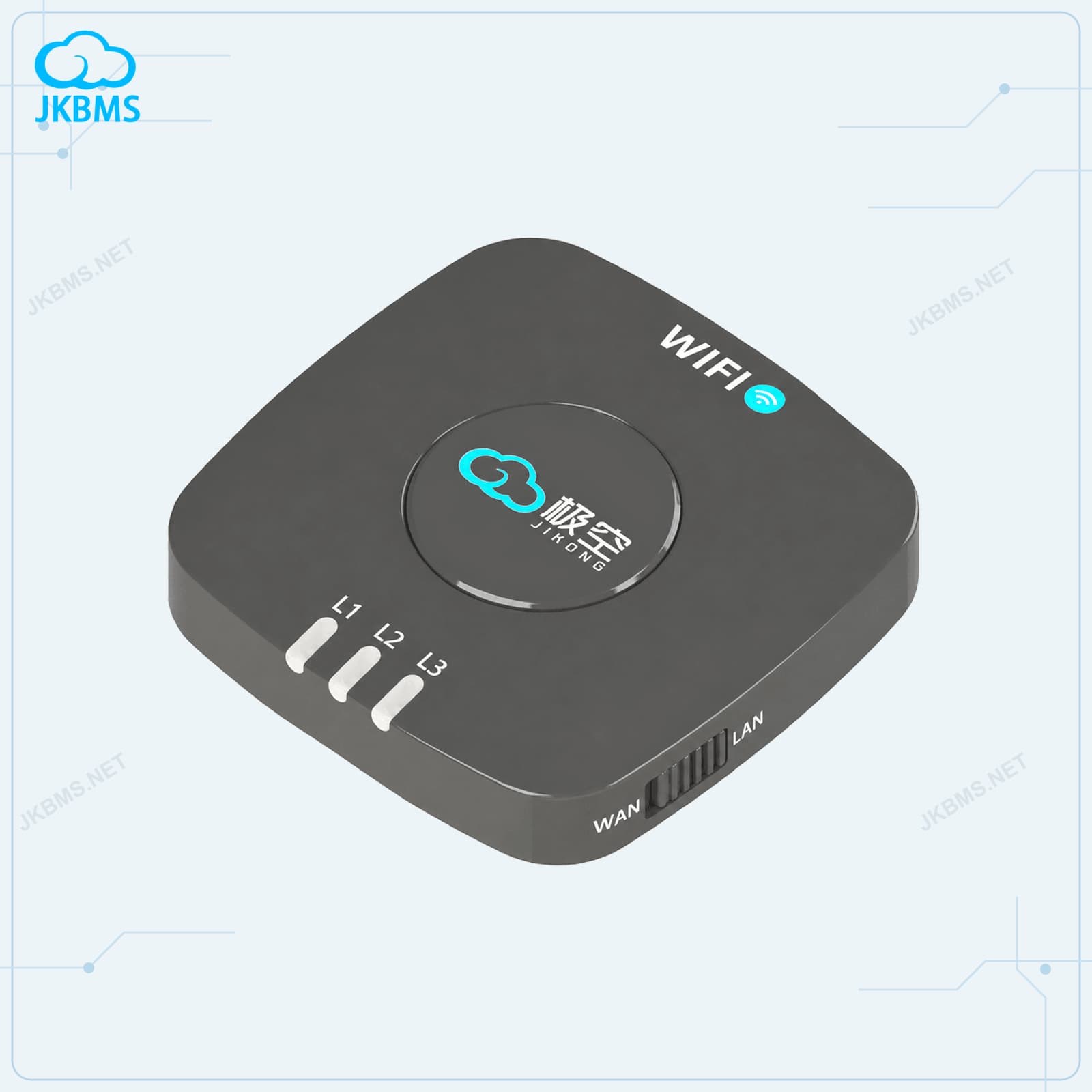
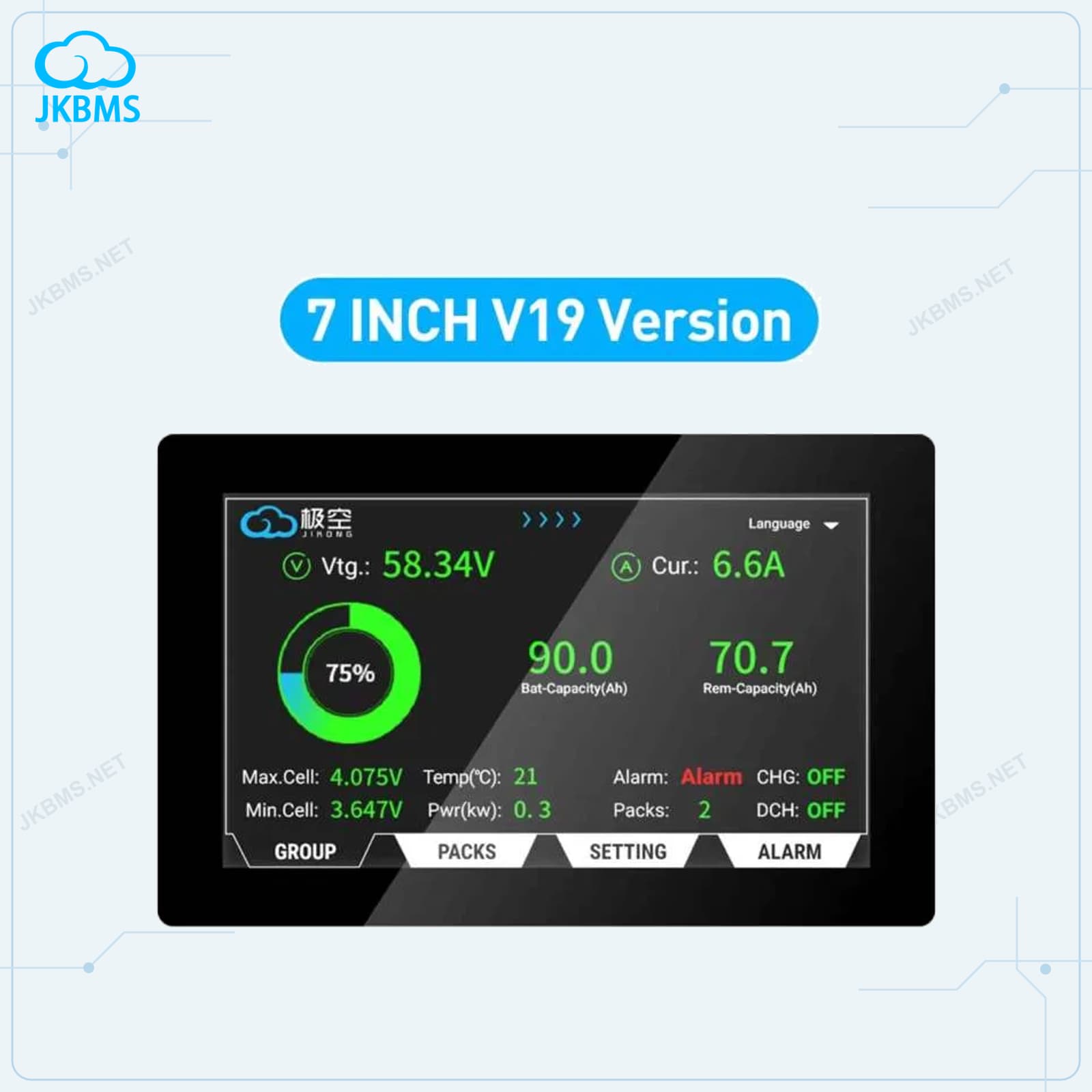
JKBMS Battery Level Indicator Display Board for Smart BMS official JKBMS main product image1 / 4

JKBMS Accessories

JKBMS Battery Level Indicator Display Board for Smart BMS

Accessory: Battery Level Indicator Display Board for Smart BMS

JKBMS battery level indicator display board for JK Smart BMS. Visual SOC display with LED bar. Compatible with all JKBMS models. Easy plug-in installation.

Model
JK-Indicator
Series
JKBMS Accessories
Selection Note
Confirm the exact hardware suffix, battery chemistry, cell count, current duty, connector, harness, firmware, and communication protocol before ordering.
View complete specifications
Choose configuration
Selected configuration$14.68

Shipping is calculated by destination during checkout. PayPal verifies and captures the final amount securely.

Product details

Supply scope and specifications

Key features

  • Model: JK-Indicator
  • JKBMS-compatible monitoring, alarm, repair, display, or installation accessory
  • Use only with the confirmed BMS model, connector, voltage, and communication interface
  • Check the product images and final packing list before ordering

Included

  • The selected JKBMS accessory model
  • Connector lead or accessory parts supplied with that exact model
  • Basic supplier packing

Not included

  • BMS main unit, battery cells, inverter, charger, and external system hardware
  • Installation, parameter setup, firmware work, or compatibility debugging
  • Any cable, adapter, display, or module not named in the selected product option
ModelJK-Indicator
SeriesJKBMS Accessories
Selection NoteConfirm the exact hardware suffix, battery chemistry, cell count, current duty, connector, harness, firmware, and communication protocol before ordering.

SELECTION HELP

Check the system requirements before ordering

Technical guides help narrow the product and configuration. The exact product specifications, written quotation, and compatibility confirmation remain the final reference.

MODEL-SPECIFIC APPLICATION NOTES

JK-Indicator selection context

JK-Indicator should be compared as a specific JKBMS accessories product, not only by a copied title or image. The selection should be based on the real battery system, installation space, communication needs, and official quotation or checkout configuration.

Application context

JKBMS Battery Level Indicator Display Board for Smart BMS belongs to the JKBMS accessories and is best reviewed for monitoring, display, module, or harness requirements around an existing JKBMS installation.

Use the exact product page to confirm the selected configuration, accessories, and quotation scope for JK-Indicator.

For communication planning, confirm whether the final installation needs Bluetooth, LCD, CAN, RS485, USB, or a model-specific adapter.

Decision checks

  • Confirm battery chemistry, cell count, and pack voltage before selecting the product.
  • Confirm mounting position, cable exit, airflow, and service access in the final enclosure.
  • For direct checkout, verify the selected configuration and destination shipping before payment.
  • Use www.jkbms.net and zhou@jkbms.net to verify official source, quotation, and bulk purchasing details.

Model planning

Model fit and purchase planning

Use this summary to confirm whether JKBMS Battery Level Indicator Display Board for Smart BMS fits the battery system before checkout, quotation, or installation.

Model
JK-Indicator
Primary use
JKBMS display, monitoring, module, or harness support

Pre-order checks

  • JKBMS Battery Level Indicator Display Board for Smart BMS should be checked against the real battery pack, load current, installation space, thermal conditions, and selected accessories before purchase.
  • Confirm current rating and protection design from the final product page or written quotation before ordering.
  • If the product will connect to an inverter, confirm the exact communication hardware, protocol, and cable requirement before shipment.
  • Review balancing requirements separately when the battery pack uses large-capacity cells or has known cell mismatch.

System fit checks

Compatibility, installation, and official purchase checks

Use these checks before selecting a configuration, requesting a quote, or installing the product in a battery system.

Compatibility

Match the product to the battery system

Confirm the exact supported battery string range on the product page. Match the current rating to the actual load and protection design. Confirm the required active-balancing current before choosing a model.

Communication

Confirm protocol and interface details

For any inverter-connected system, confirm CAN or RS485 requirements, cable wiring, battery limits, master-slave roles, and commissioning settings before shipment.

Installation

Plan wiring, mounting, and operating conditions

Use suitable fusing, cable size, torque, ventilation, insulation, and commissioning checks for the final battery system.

Official source

Verify the product and quote channel

Verify this product on https://www.jkbms.net/products/jkbms-jk-indicator-battery-level-display-board, confirm the official domain is www.jkbms.net, and use zhou@jkbms.net for quotation checks before bulk payment or project procurement.

Product FAQ

JKBMS Battery Level Indicator Display Board for Smart BMS manual, wiring and compatibility FAQ

What is JKBMS Battery Level Indicator Display Board for Smart BMS used for?

JKBMS Battery Level Indicator Display Board for Smart BMS is listed for jkbms accessories. JKBMS battery level indicator display board for JK Smart BMS. Visual SOC display with LED bar. Compatible with all JKBMS models. Easy plug-in installation.

Is JKBMS Battery Level Indicator Display Board for Smart BMS listed on the official JKBMS website?

JKBMS Battery Level Indicator Display Board for Smart BMS is listed on www.jkbms.net, the official factory website operated by JKBMS Electronic Technology Co.,Ltd. Use https://www.jkbms.net and the official sales email zhou@jkbms.net to verify quotes before payment.

How should I confirm compatibility before ordering JKBMS Battery Level Indicator Display Board for Smart BMS?

Confirm model JK-Indicator against the battery pack, inverter, wiring, and project requirements before ordering.

What is included with JKBMS Battery Level Indicator Display Board for Smart BMS?

The selected JKBMS accessory model; Connector lead or accessory parts supplied with that exact model; Basic supplier packing. Not included: BMS main unit, battery cells, inverter, charger, and external system hardware; Installation, parameter setup, firmware work, or compatibility debugging. The final selected configuration and written quotation remain the reference for supply scope.

How do payment, shipping, and returns work for JKBMS Battery Level Indicator Display Board for Smart BMS?

Purchasable JKBMS products can be ordered from the product page. Verify the model, configuration, destination, and official sales contact before bulk purchasing or project use. Return and shipping rules are published at https://www.jkbms.net/policies.
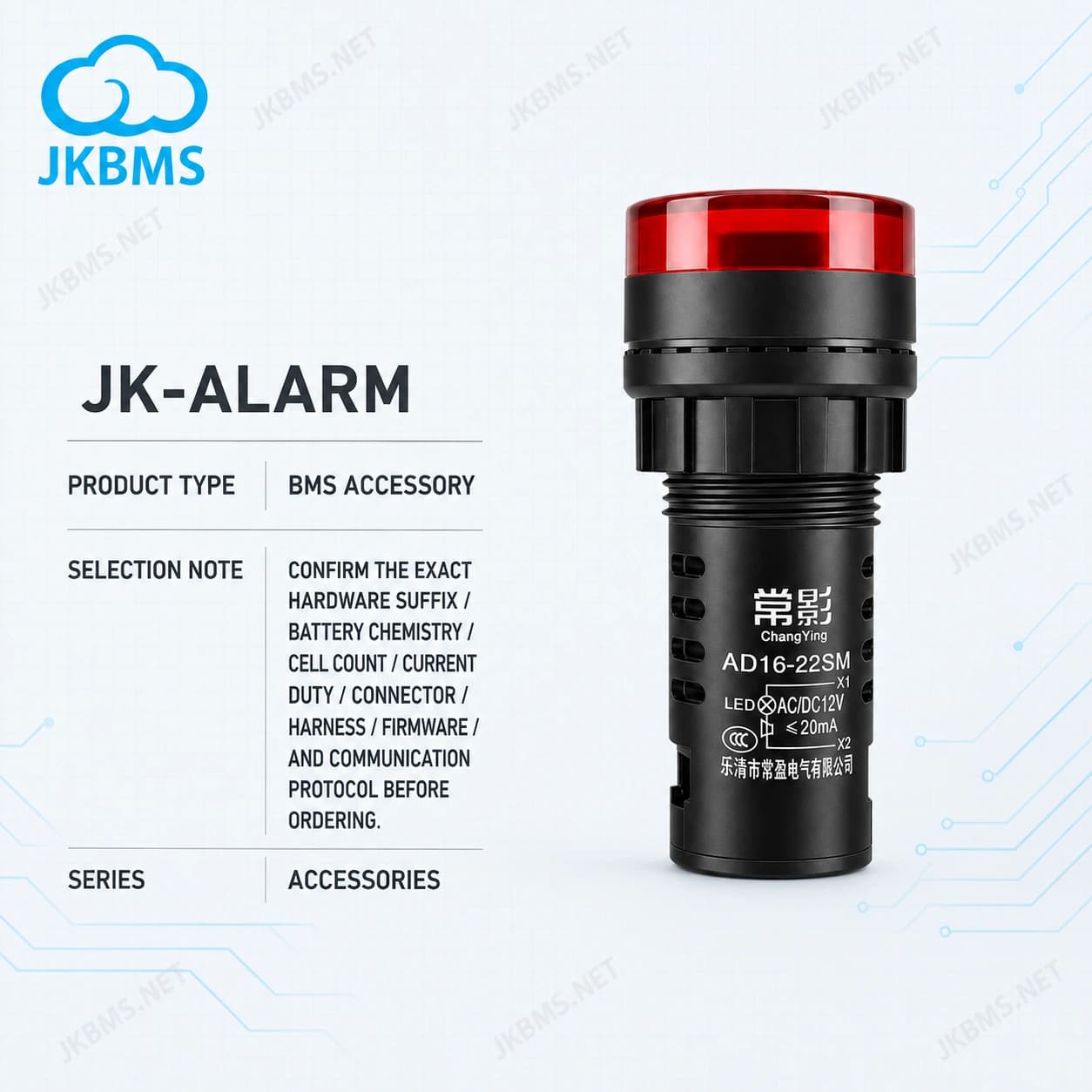
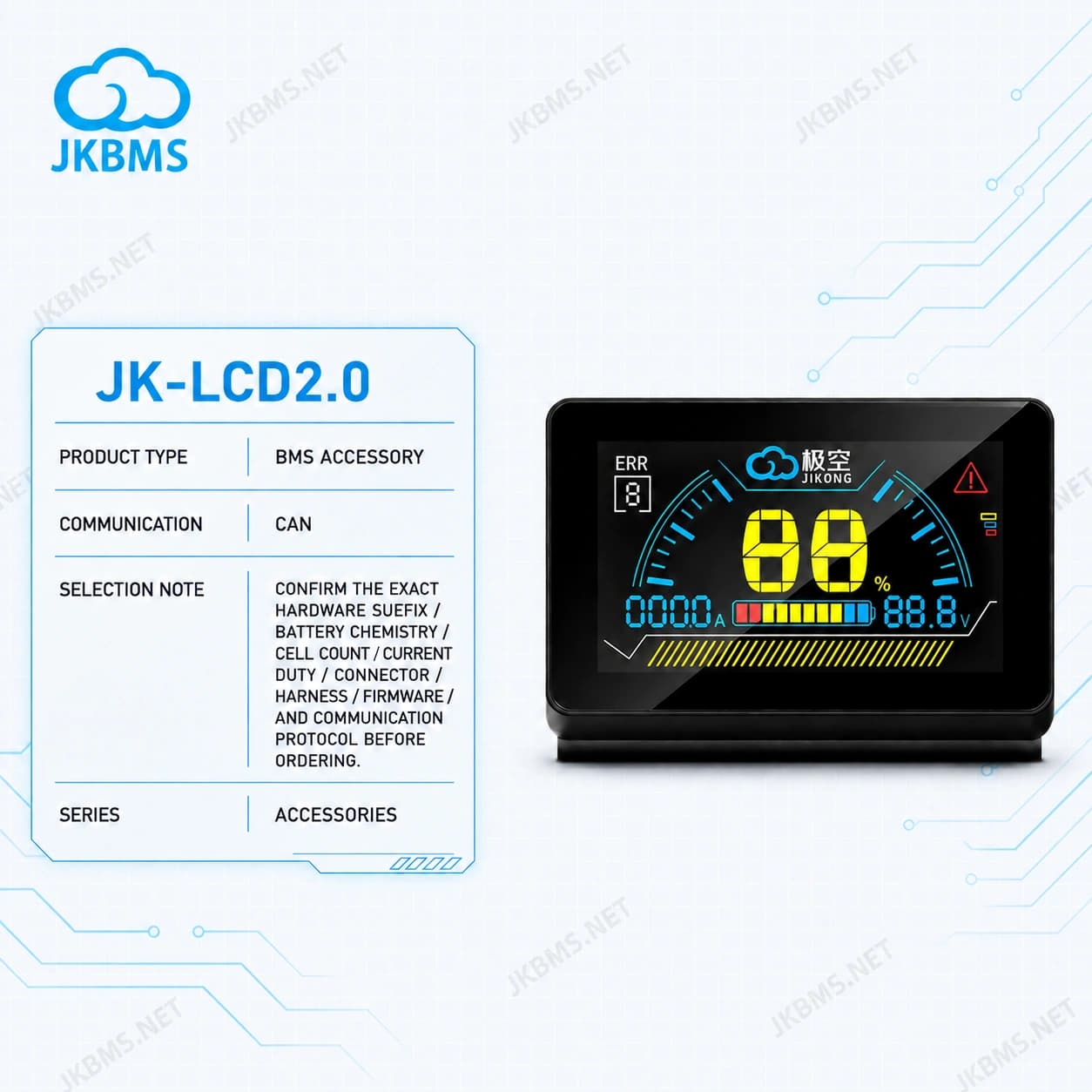
Technical resources for this model

RELATED PRODUCTS

Review nearby models in the same product family before confirming strings, current rating, balancing, display, or communication requirements.

Get in Touch

Ready to power your future? Contact us for a custom quote or partnership inquiry.

LocationRoom 1008, Building B4, Yunzhi Science & Technology Park, Guangming District, Shenzhen, China