JKBMS Accessories
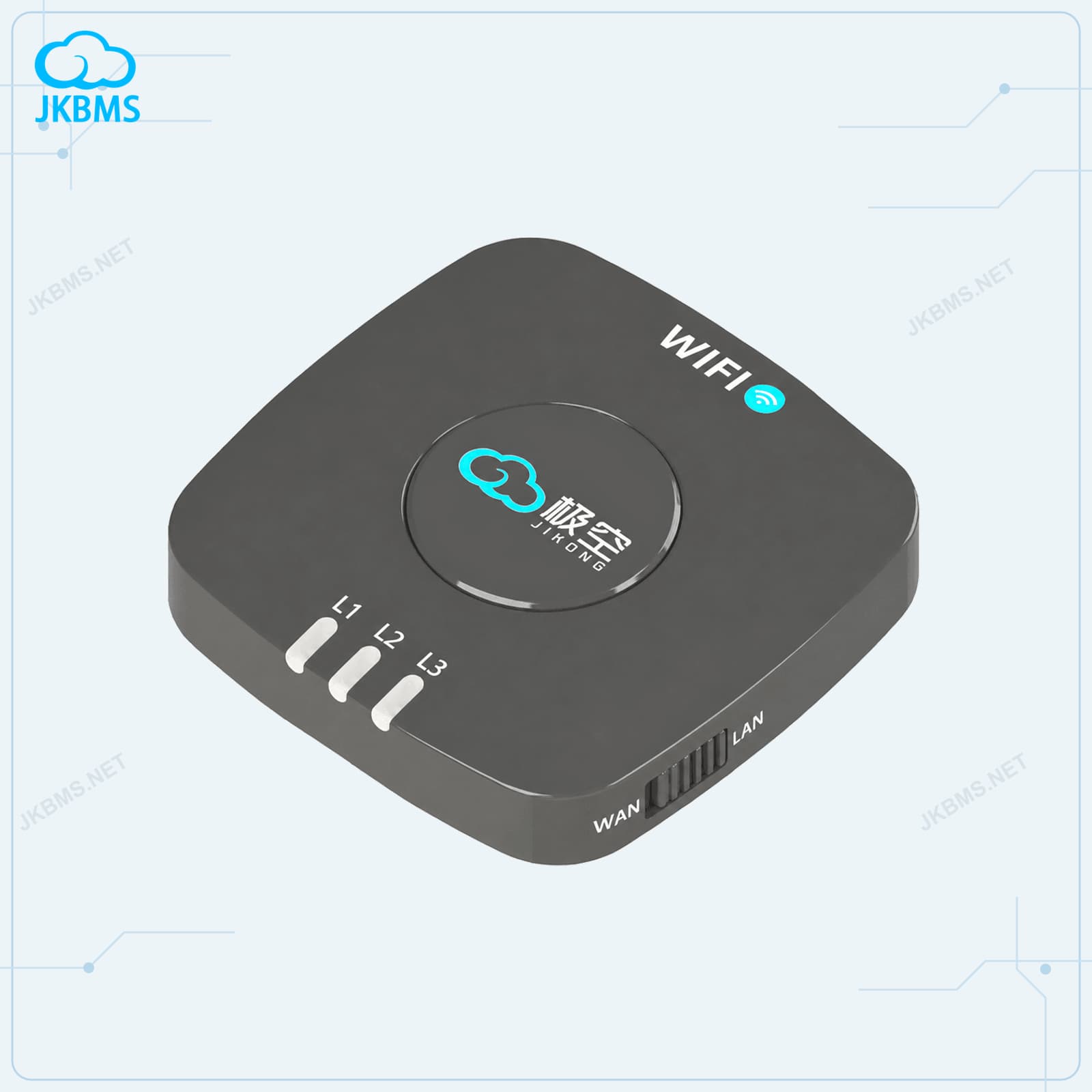
JKBMS WiFi Remote Monitoring Module
WiFi monitoring gateway for compatible JKBMS and JIKONG BMS systems
ConfigurationWiFi module standard package
From (USD)$63.00 USD
View configurationsAccessories & Cables
Find WiFi modules, displays, monitors, adapters, and communication cables together. Choose supporting hardware by the exact BMS model, connector, and intended function.
Product range
Monitoring modules and cable accessories support different functions. Product pages list the interface, included parts, and applicable BMS details.
JKBMS Accessories
WiFi monitoring gateway for compatible JKBMS and JIKONG BMS systems
ConfigurationWiFi module standard package
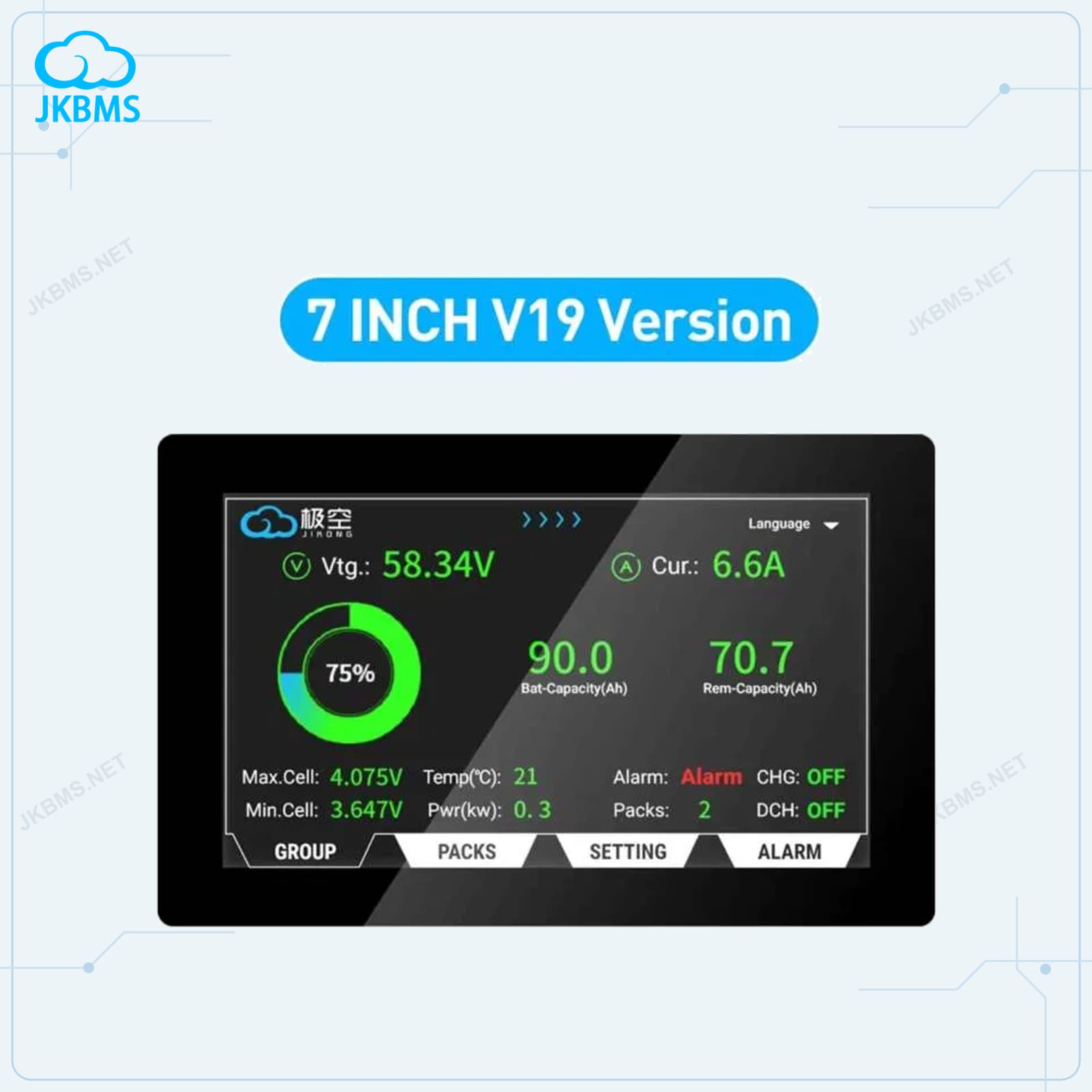
JKBMS Accessories
ConfigurationStandard package
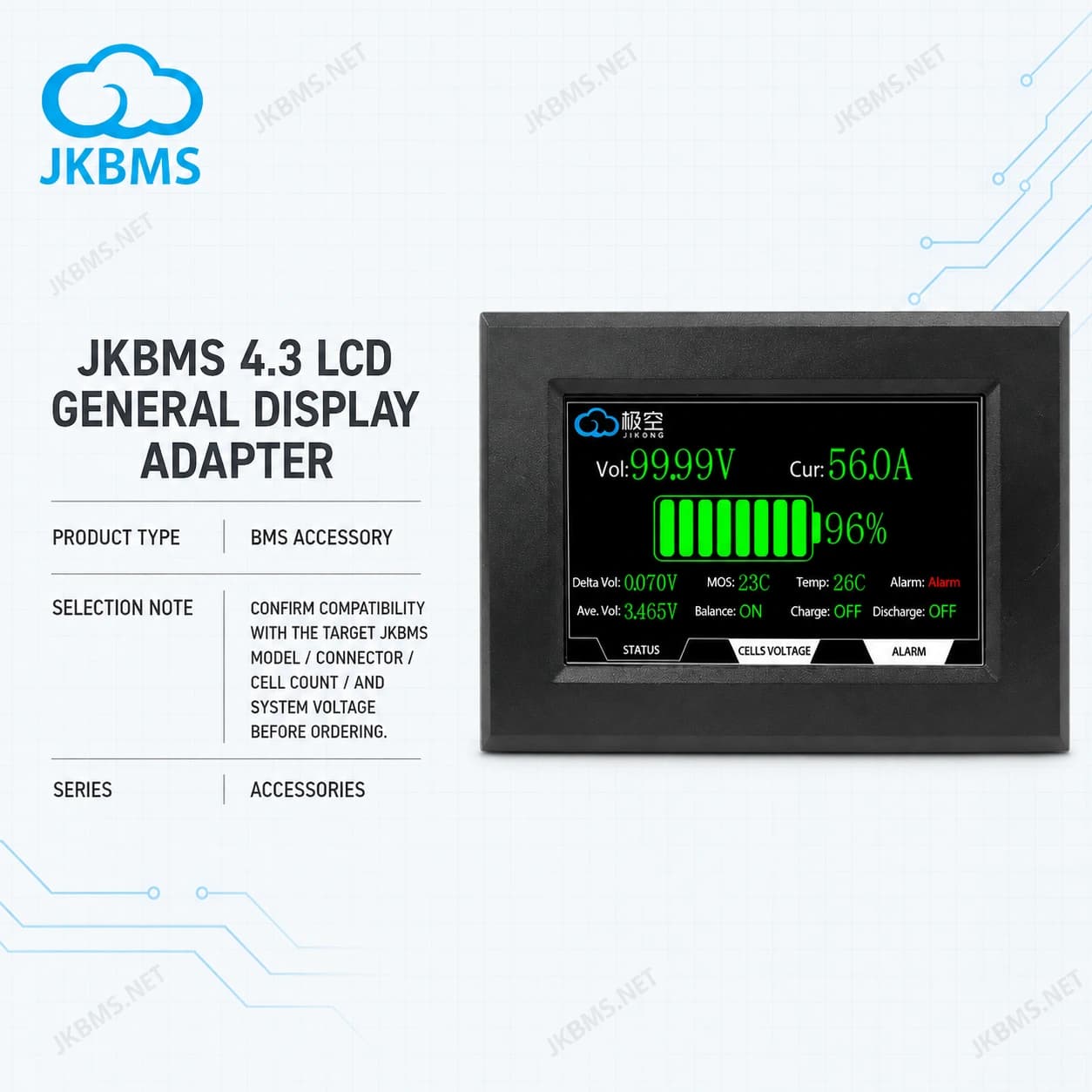
JKBMS Accessories
ConfigurationOnly 3M Extension Cable
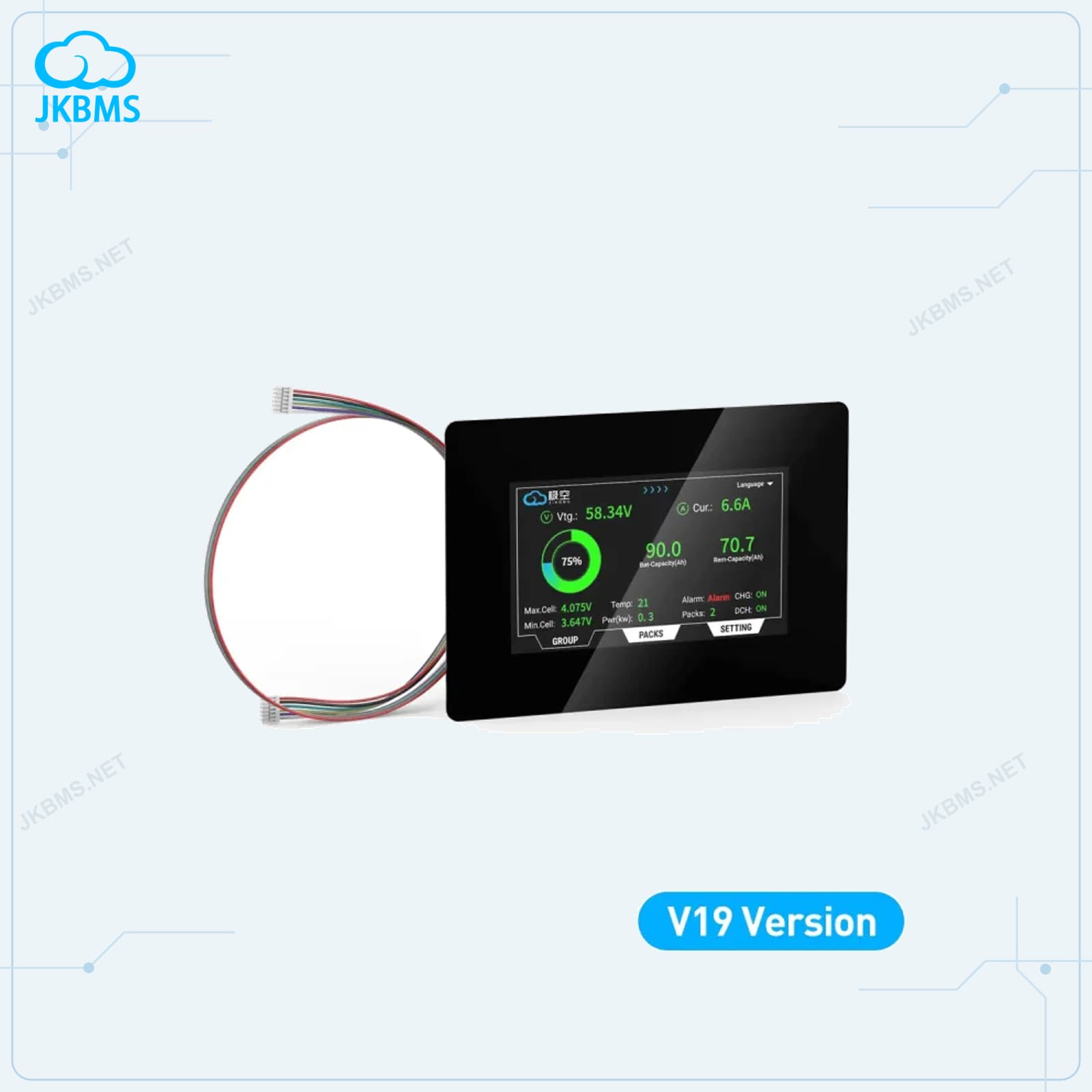
JKBMS Accessories
ConfigurationStandard package
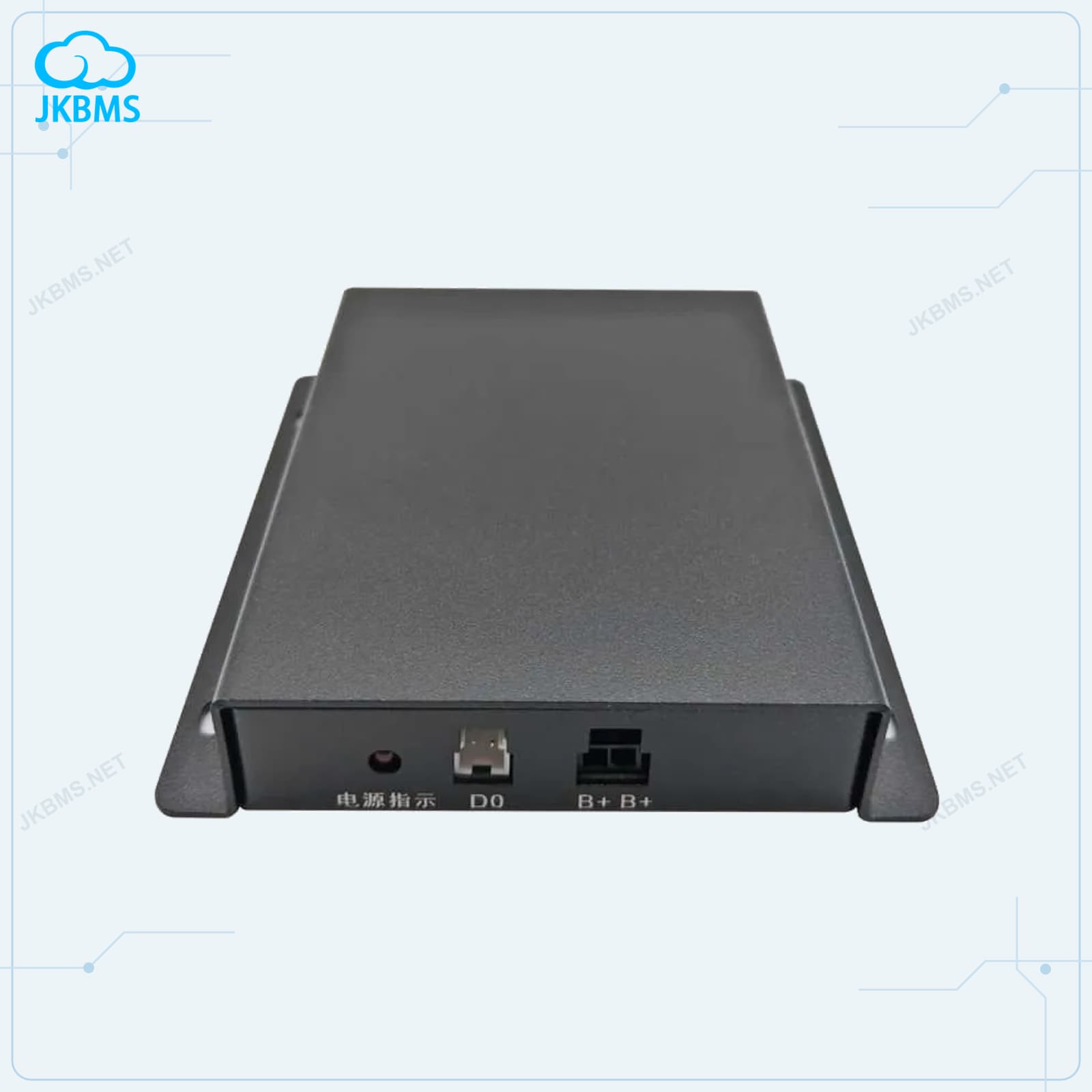
JKBMS Accessories
ConfigurationStandard package
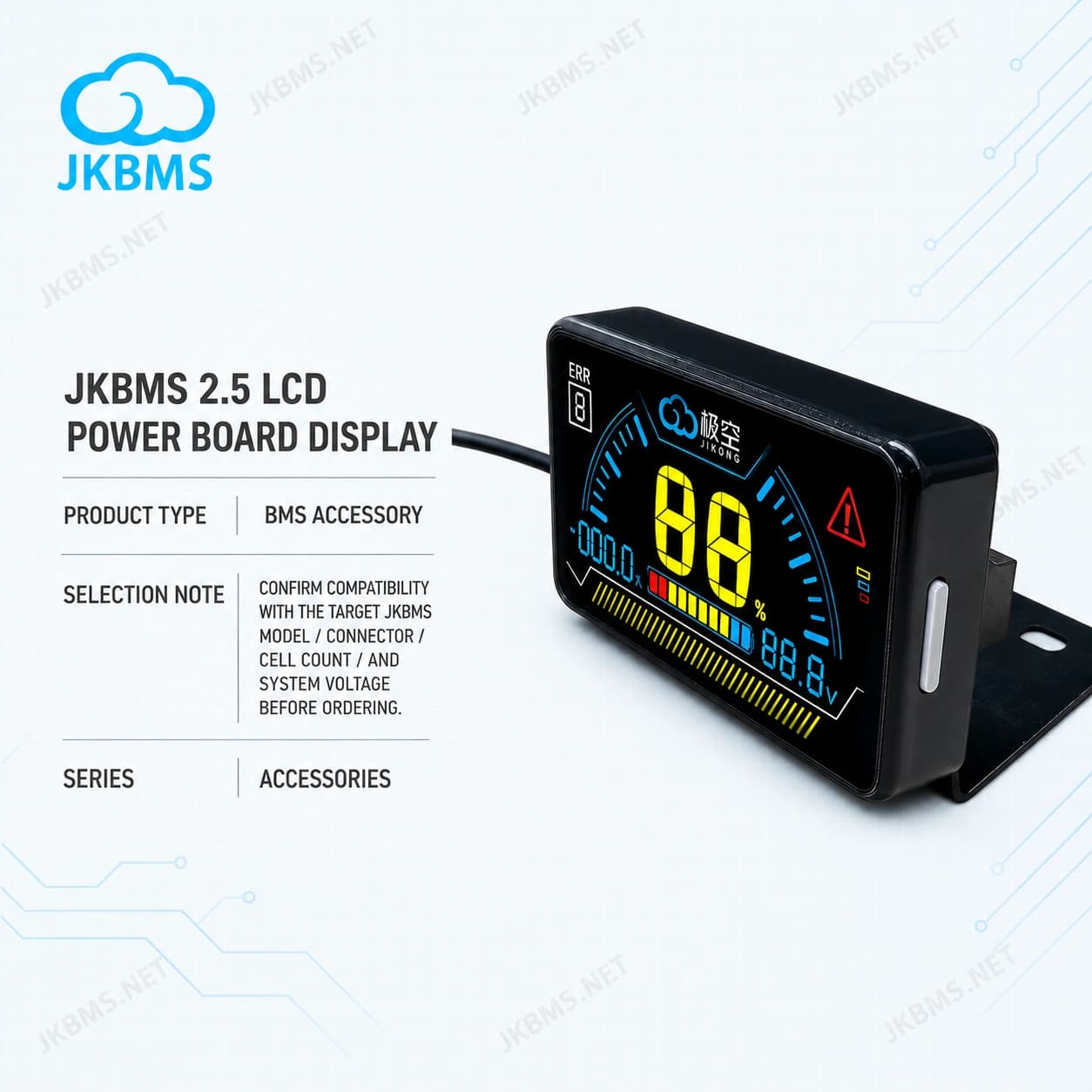
JKBMS Accessories
ConfigurationJKBMS 2.5 LCD Display
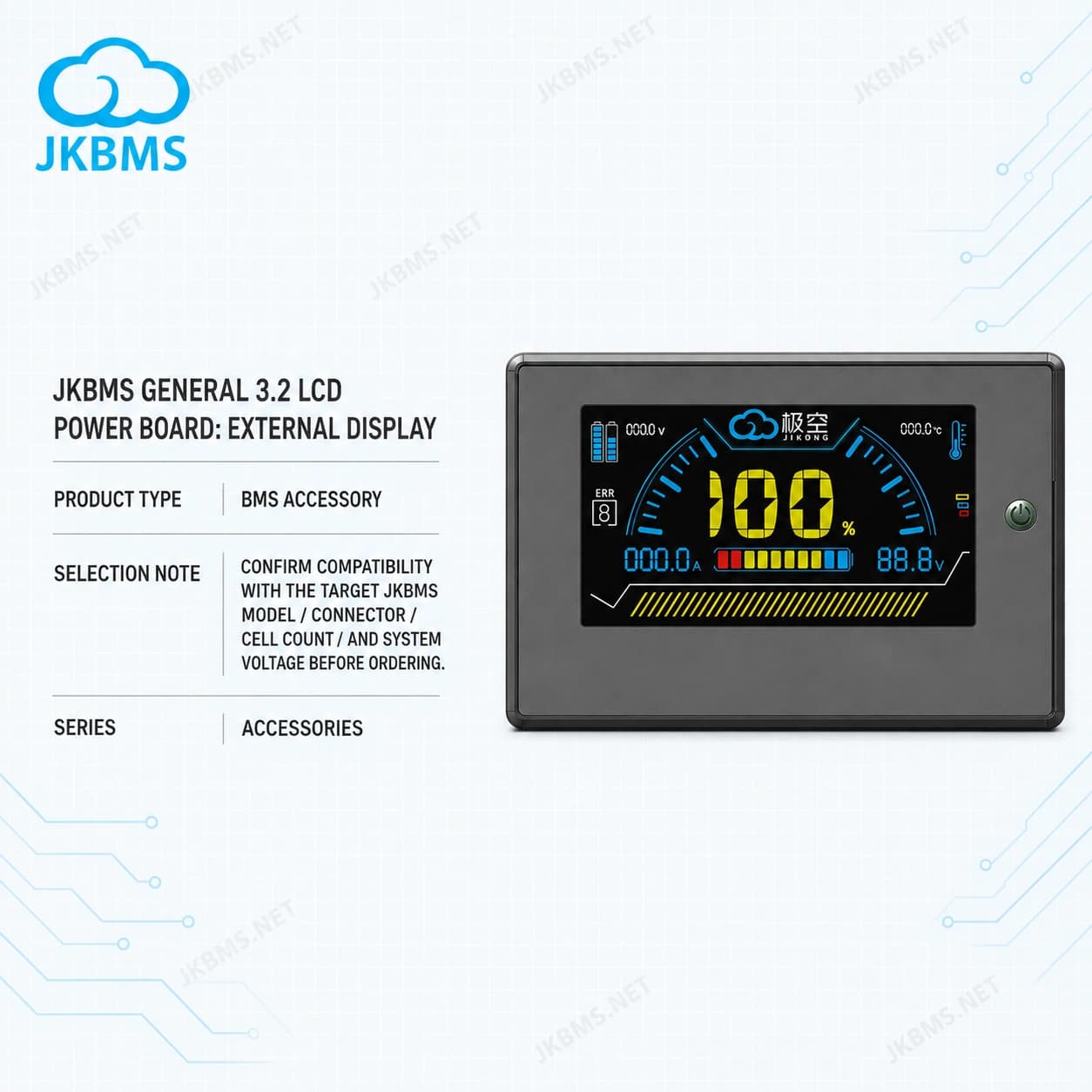
JKBMS Accessories
ConfigurationStandard package
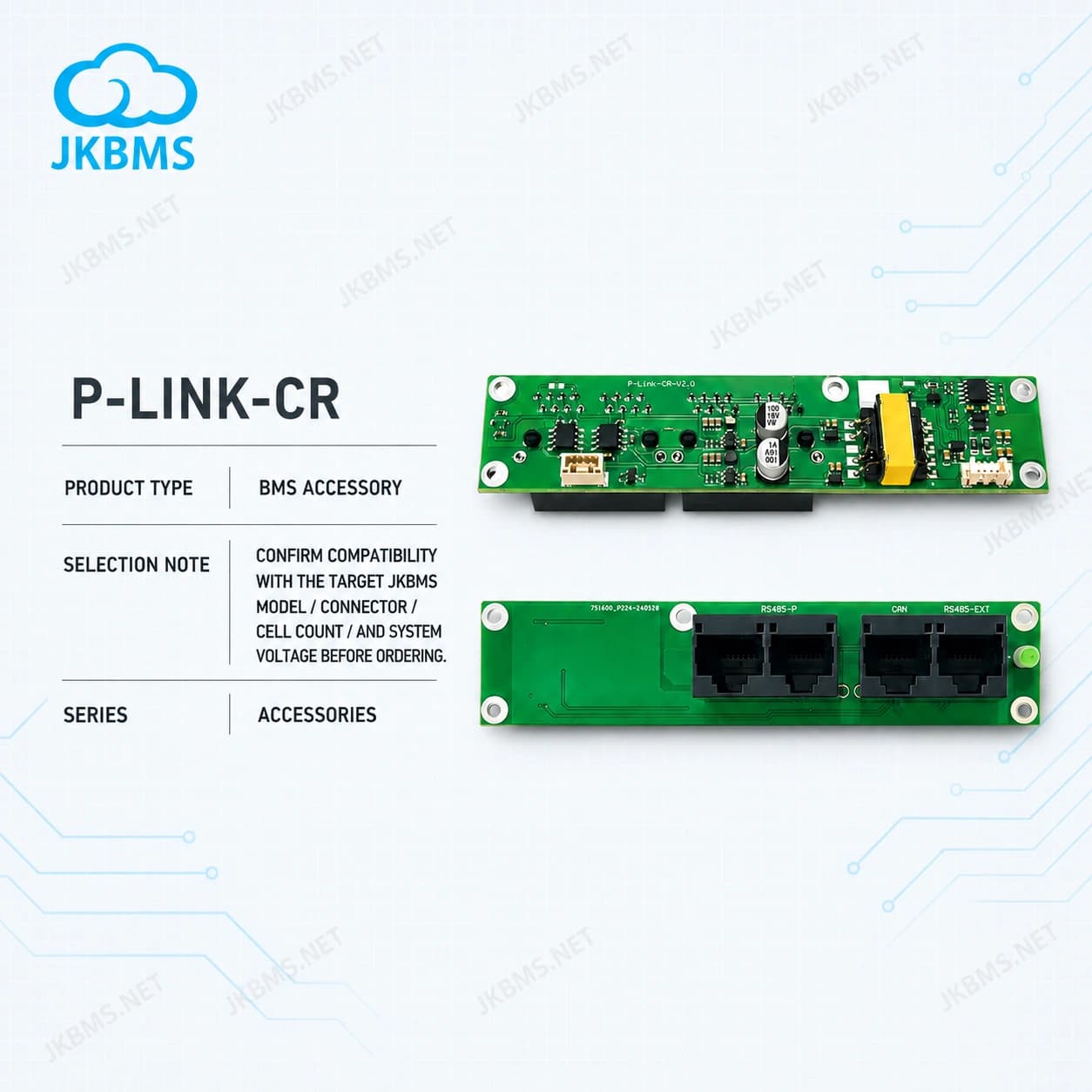
JKBMS Accessories
ConfigurationStandard package
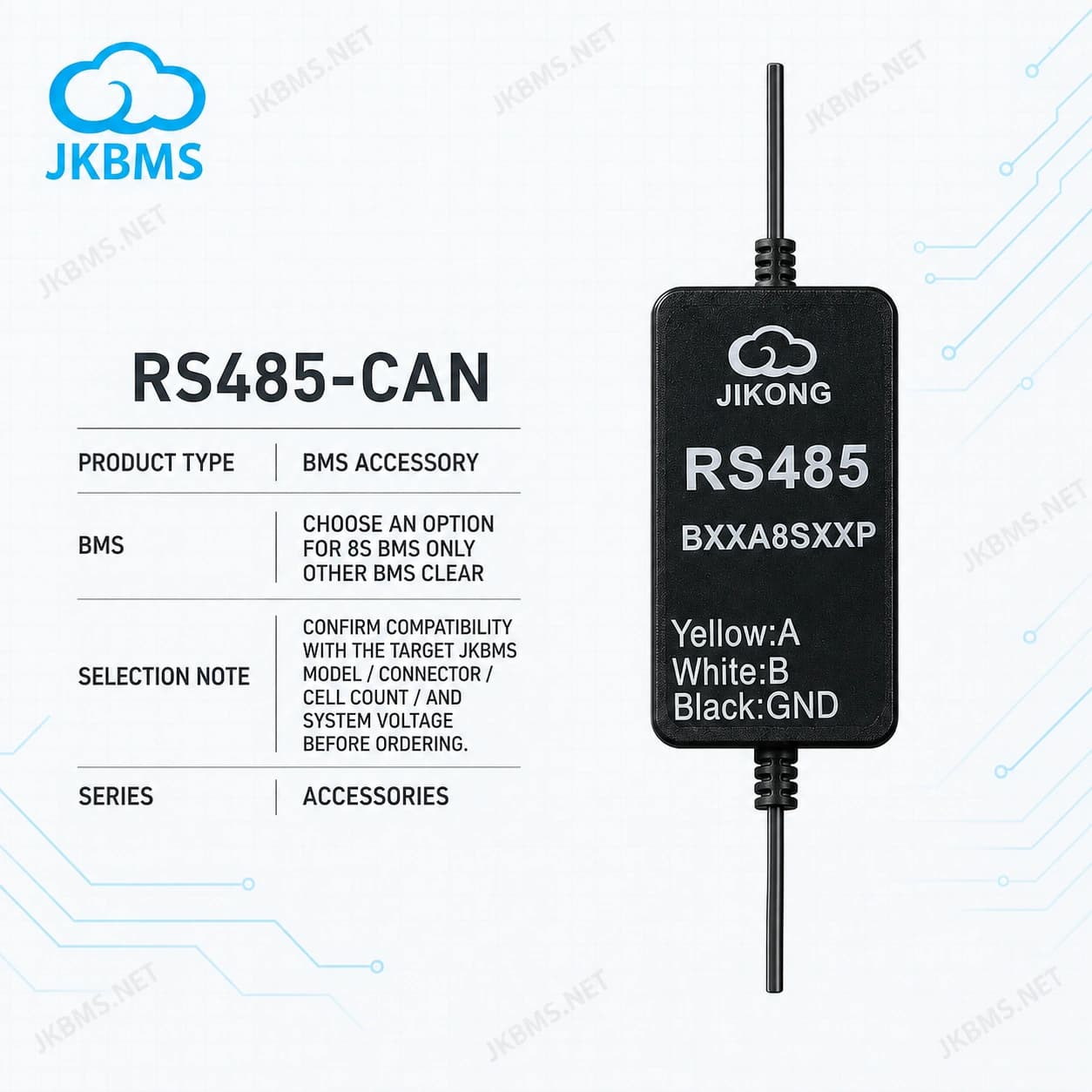
JKBMS Accessories
ConfigurationOther BMS
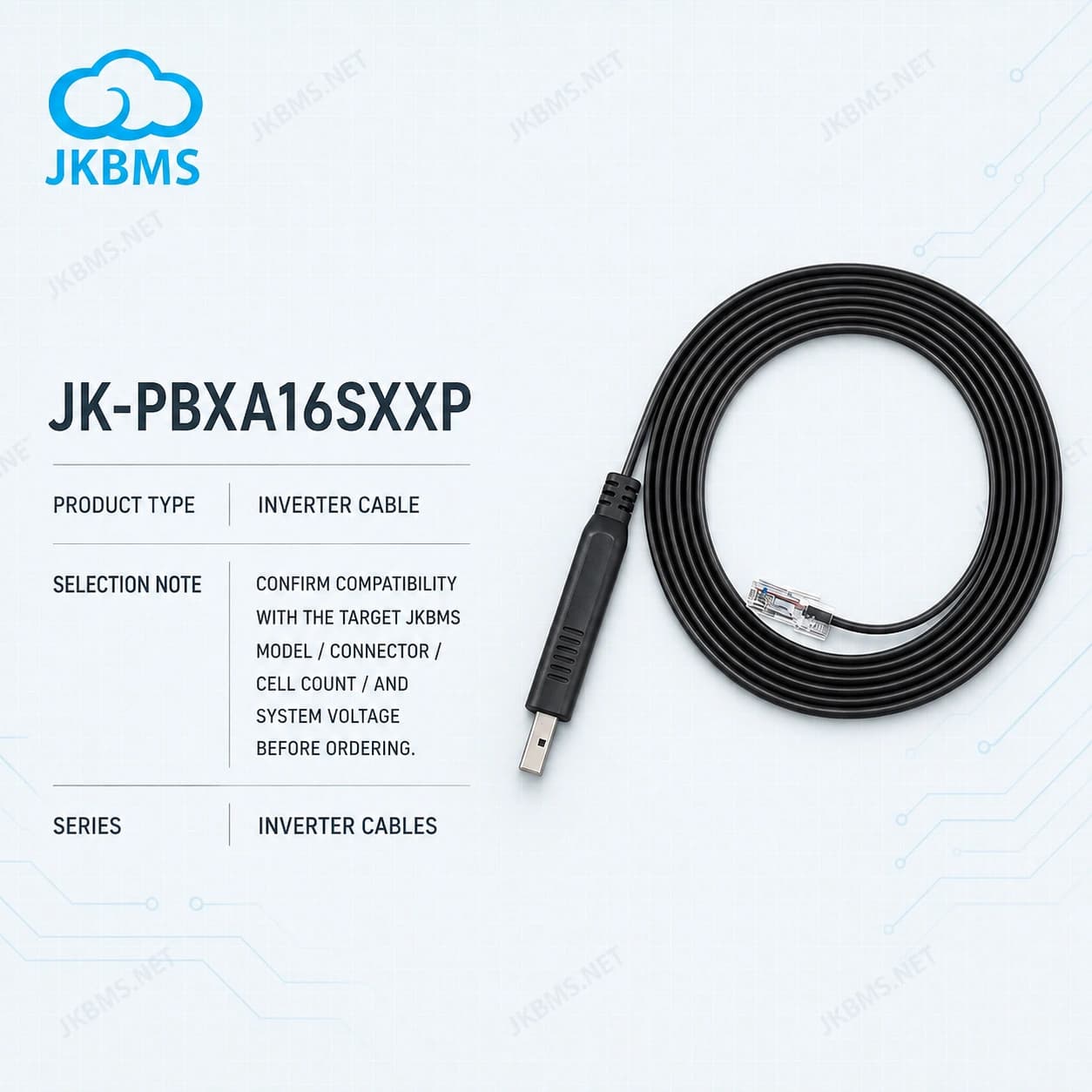
JKBMS Inverter Cables
ConfigurationStandard package
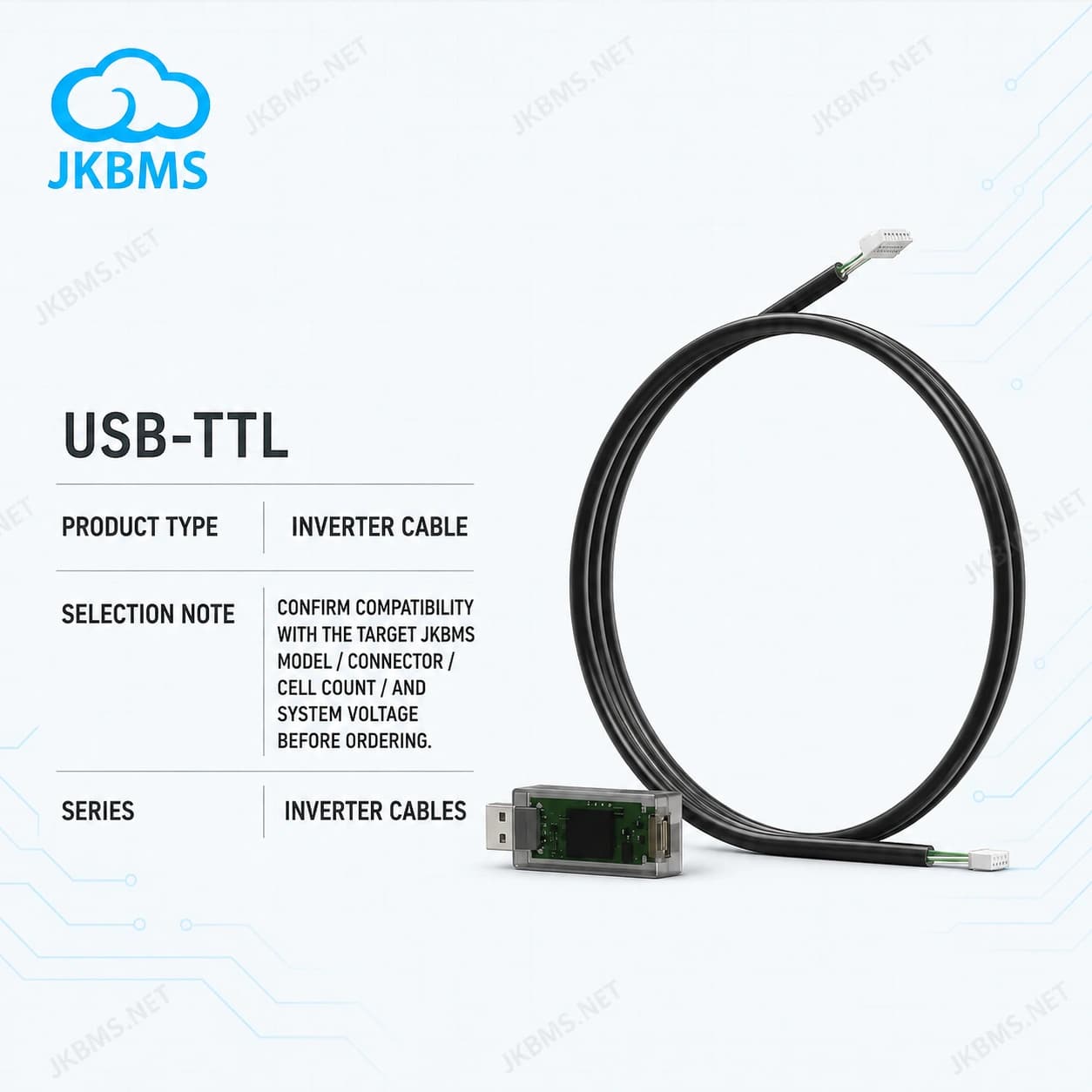
JKBMS Inverter Cables
ConfigurationStandard package

JKBMS Payment Link
For confirmed custom product, shipping, balance, or service payments
ConfigurationUS$1 payment unit
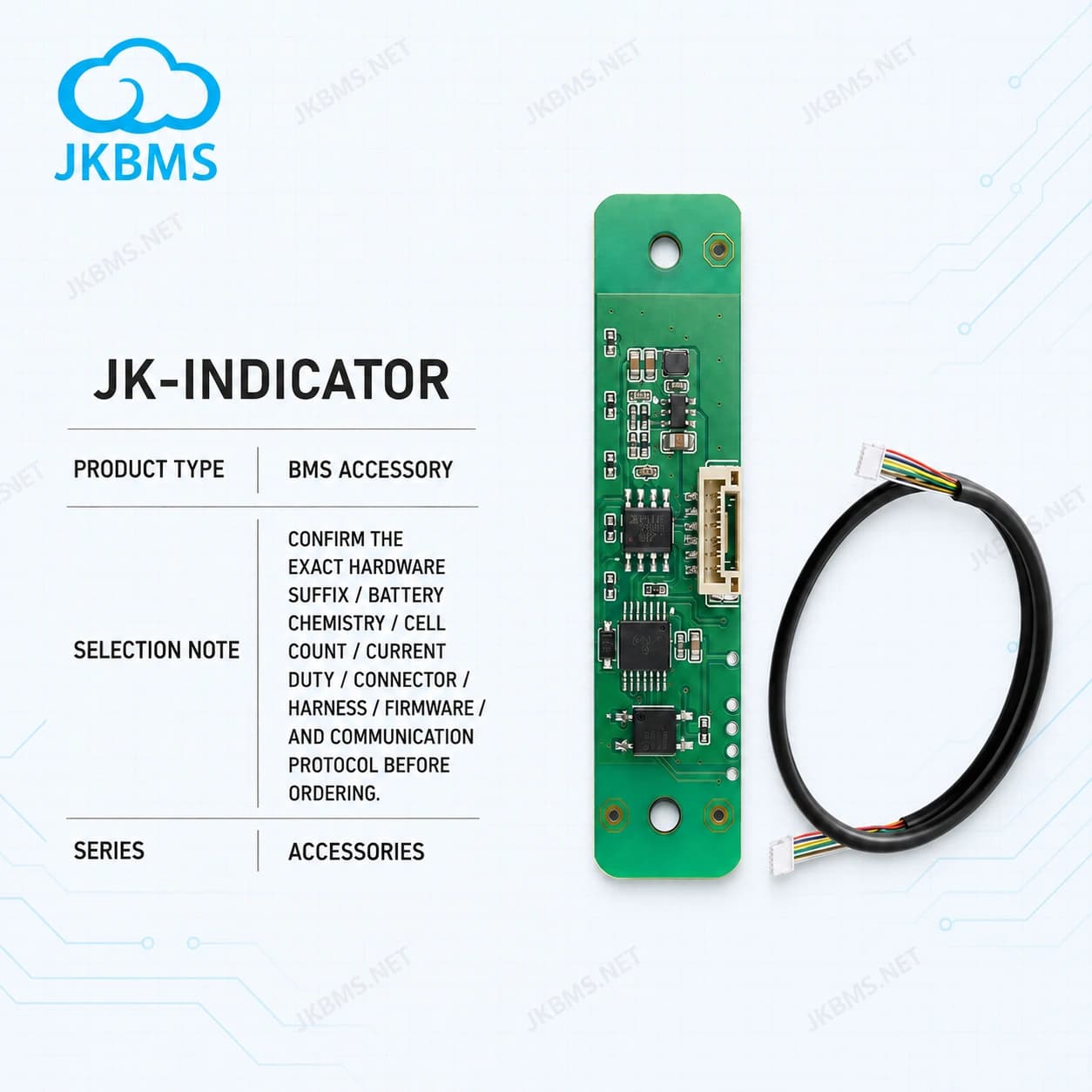
JKBMS Accessories
Accessory: Battery Level Indicator Display Board for Smart BMS
ConfigurationJK-Indicator
JKBMS Accessories
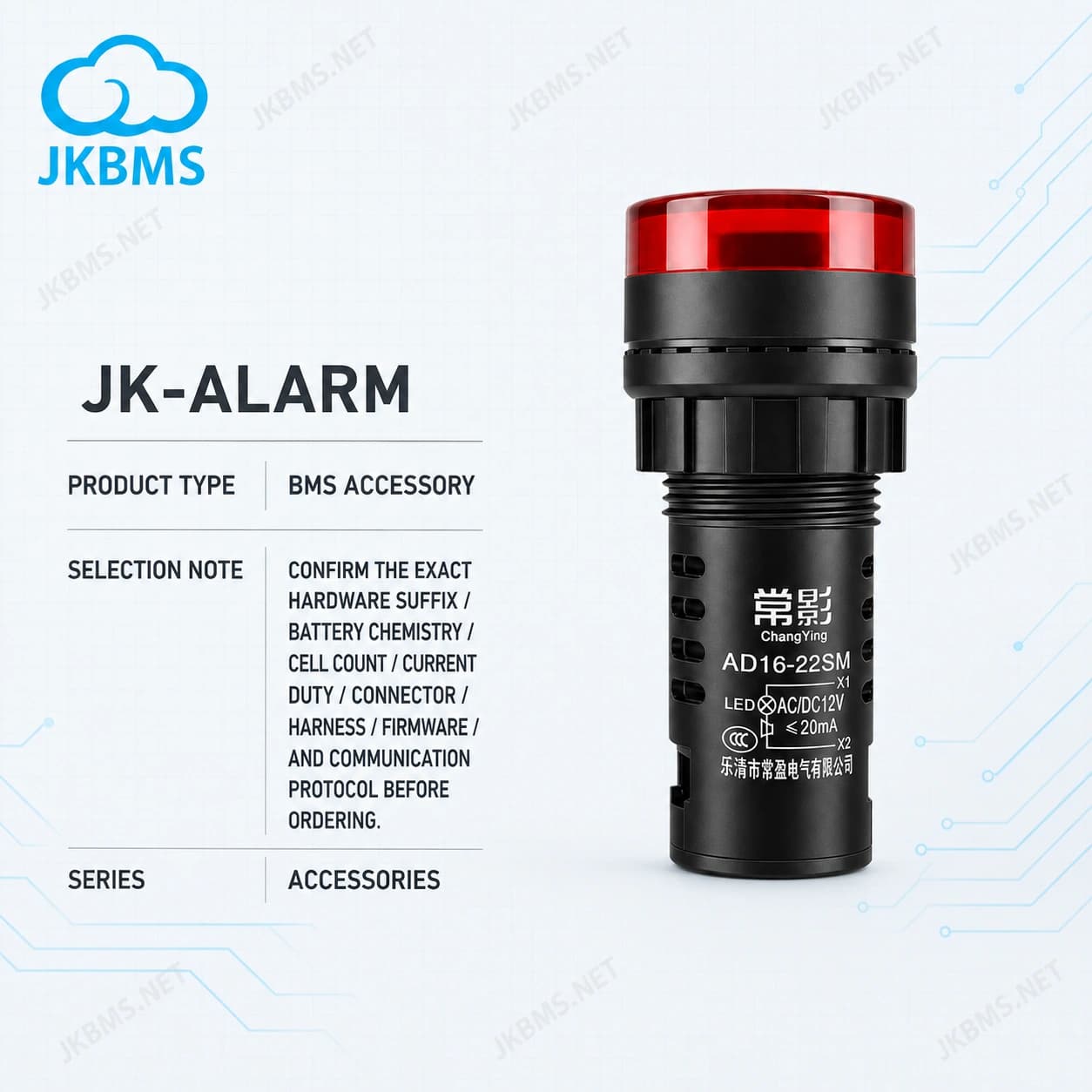
Accessory: External Alarm Buzzer Module for Smart BMS Battery Alert
ConfigurationJK-ALARM
JKBMS Accessories
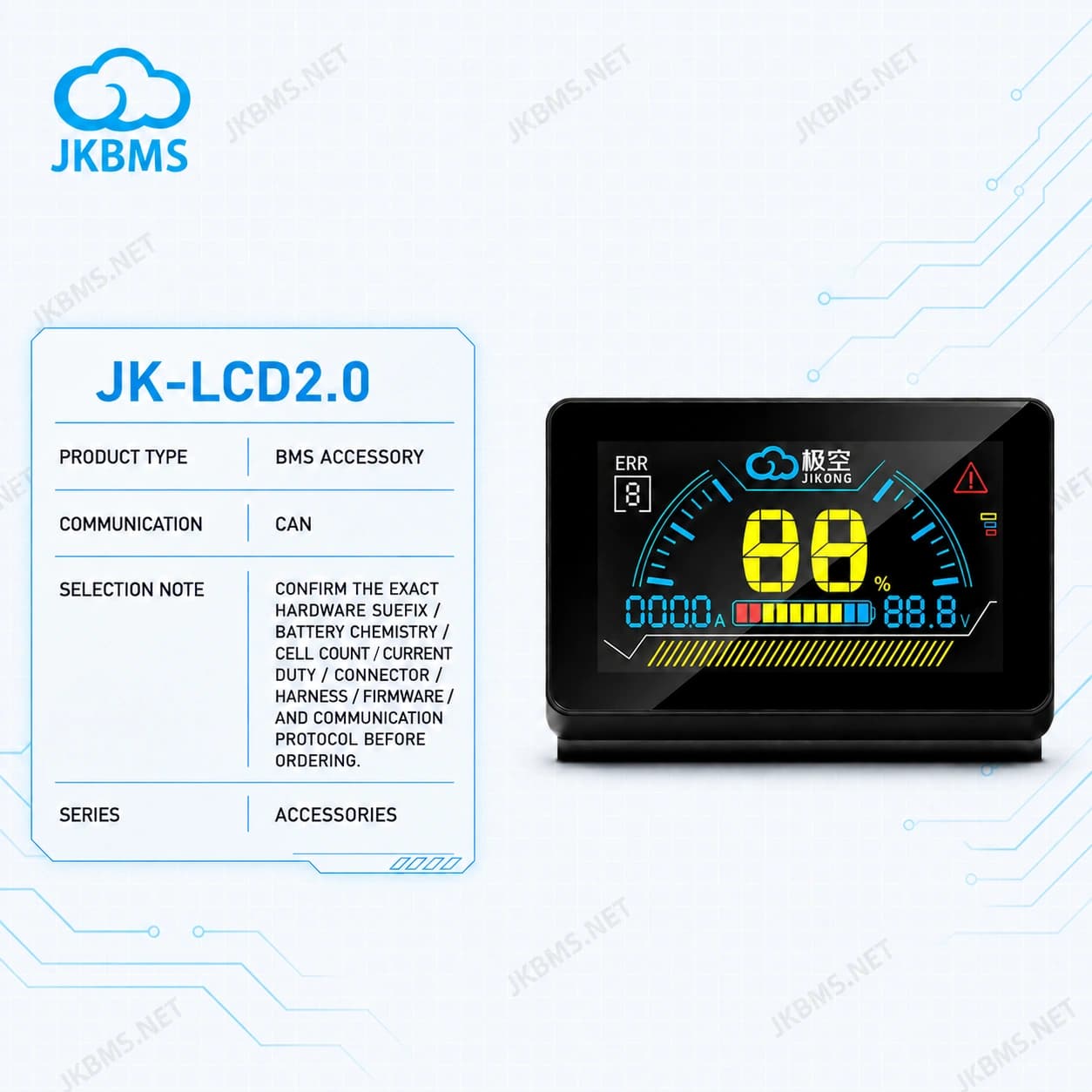
Accessory: 2 Inch LCD Display with Active Switch — BMS Monitor & Power Control for JKBMS Smart BMS
ConfigurationJK-LCD2.0
Selection guide
Choose monitoring and connection hardware for the BMS model, required function, and communication interface.
The accessory should match the exact JKBMS model or series used in the battery pack.
Check whether the project needs CAN, RS485, or another supported interface before purchasing.
For repeated installations or distributor orders, submit the cable quantities and destination for discounted pricing.
Common use cases
Buyer FAQ
These answers reinforce the official source, selection criteria, and compatibility checks for this category.
This category brings together JKBMS WiFi monitoring modules, displays, monitors, adapters, communication accessories, and connection cables. Compatibility depends on the BMS model and interface.
Select cables by exact BMS model, inverter model, interface type, protocol, connector, wiring role, and firmware or parameter requirements.
No. A matching connector alone does not establish protocol compatibility. The CAN or RS485 protocol, pinout, baud rate or CAN bitrate, and inverter profile must match the connected system.
The official domain is www.jkbms.net, operated by JKBMS Electronic Technology Co.,Ltd. The official sales email is zhou@jkbms.net.
Ready to power your future? Contact us for a custom quote or partnership inquiry.
 WhatsApp
 WeChat