The practical difference in one sentence
JK-BD includes both lower- and higher-series smart BMS models, selected by cell count, current, balancing and interfaces. JK-PB is the starting point for inverter storage, where the supported protocol, communication cable and display package also matter.
The exact product model, supported strings, current rating, active balance specification, communication hardware, cable, firmware, and inverter protocol must all be confirmed.
Here, JK-BD means the JK product-family prefix. This is not a JK-versus-JBD brand comparison. For another manufacturer's board, use its own model label and documentation.
JK BMS model comparisons
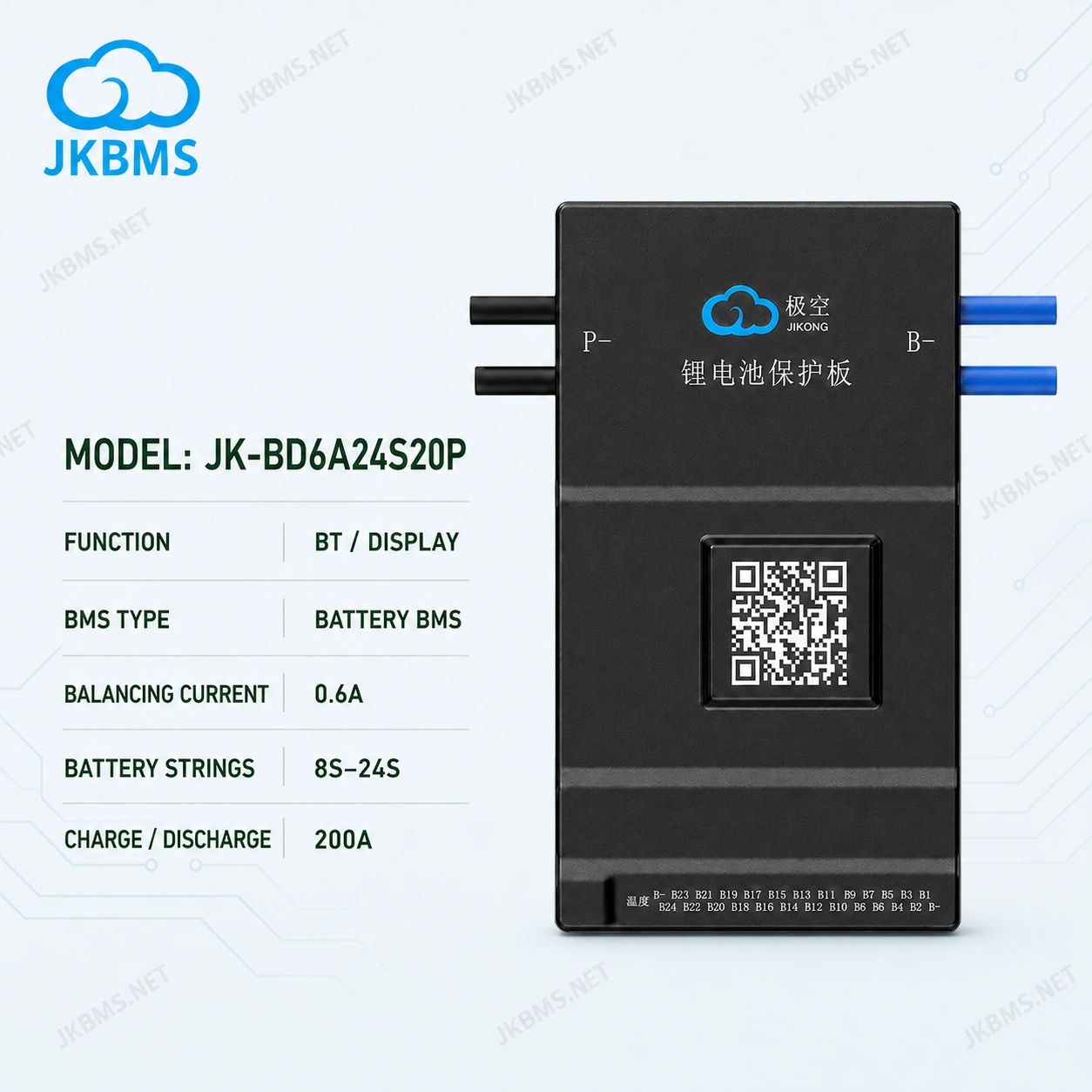
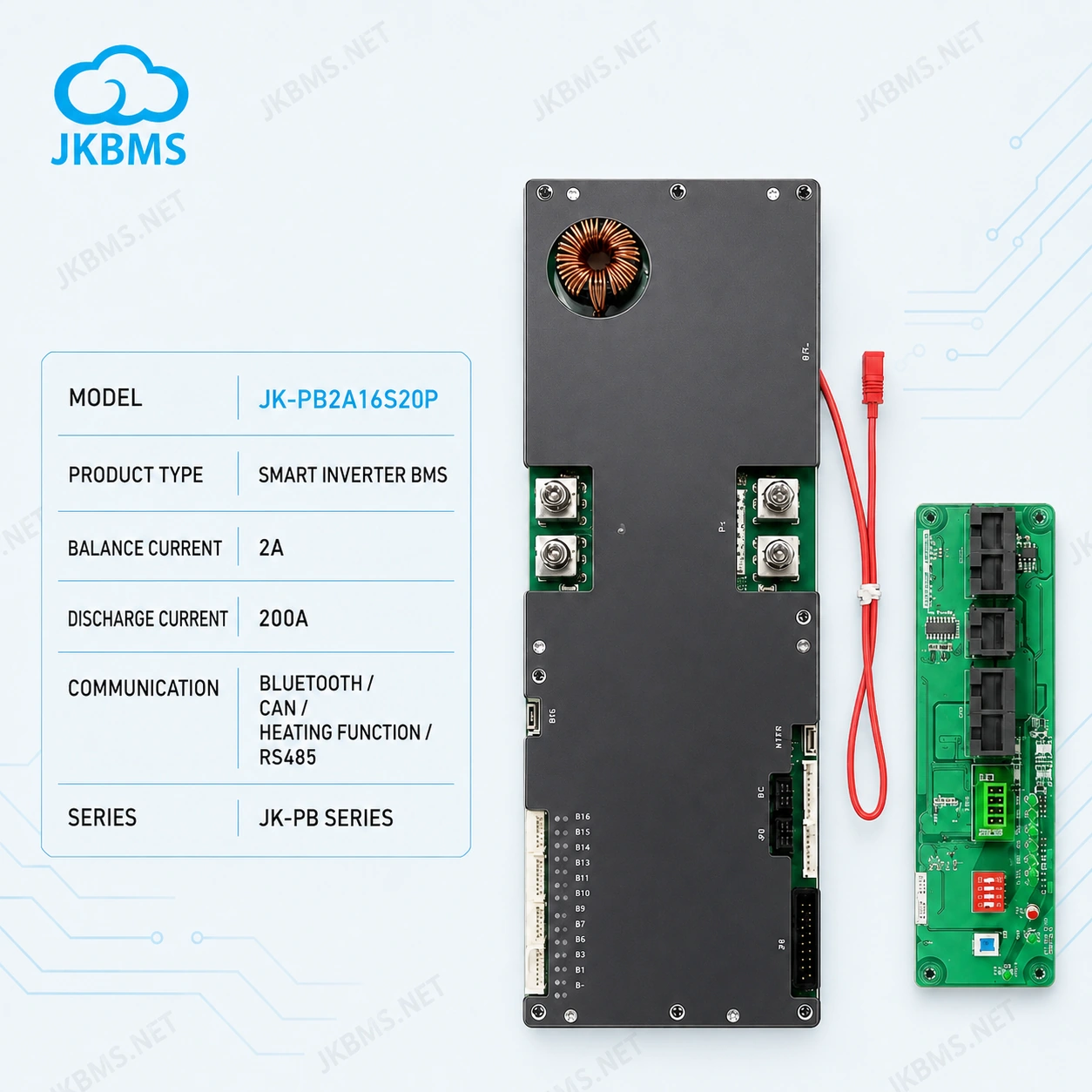
JK-BD and JK-PB comparison table
| Selection factor | JK-BD starting point | JK-PB starting point |
|---|---|---|
| Typical buying approach | Compare smart BMS models primarily by battery strings, continuous current, balancing, and available interfaces. | Compare storage-focused BMS configurations where inverter communication, display, and system integration need early confirmation. |
| Battery configuration | Use the exact model range to match the planned series count and pack design. | Use the exact model range to match the storage battery series count and inverter power requirements. |
| Current selection | Choose the model by continuous load current, peaks, cables, cooling, and complete protection design. | Choose the model by battery-bank current and inverter demand, then confirm all communication requirements. |
| Communication | Review Bluetooth, display, UART, CAN, RS485, and other model-dependent interfaces. | Confirm the exact inverter protocol, communication interface, cable, module, and firmware expectations. |
| Accessories | Confirm whether the required screen, harness, or communication accessory is included or separate. | Confirm display package and inverter communication cable rather than assuming every accessory is included. |
| Best next page | Browse JK-BD models | Browse JK-PB models |
Choose JK-BD when these are the main filters
- You are comparing smart BMS models by the battery's supported cell count.
- Continuous discharge current and active balance current are the first technical filters.
- You need Bluetooth, a display, or wired communication, but inverter protocol compatibility is not the only reason for the purchase.
- You are replacing an existing JK-BD model or comparing nearby JK-BD model codes.
Start on the JK-BD series page, then open the individual product pages to confirm exact specifications.
Choose JK-PB when storage integration leads the decision
- The BMS will be used in a residential or small commercial energy-storage battery.
- Inverter communication is a core requirement rather than an optional interface.
- You need to compare display bundles, cables, and communication requirements together with strings and current.
- The purchase is being evaluated as part of a complete battery and inverter system.
Start on the JK-PB series page and prepare the exact inverter brand, model, interface, and protocol information before requesting compatibility confirmation.
Information to prepare before asking for a recommendation
- Battery chemistry
- Exact series count
- Battery capacity
- Normal load current
- Peak current
- Desired balance current
- Inverter brand and model
- Required protocol
- Display requirement
- Quantity and destination
Displays, modules, harnesses, adapters, and cables can be reviewed separately on the JKBMS accessories page and connection cables page.
Still deciding between BD and PB?
Send the pack and inverter requirements so the exact model and accessory combination can be checked.